Phone Scams for Older Adults: 5 UK Warning Signs
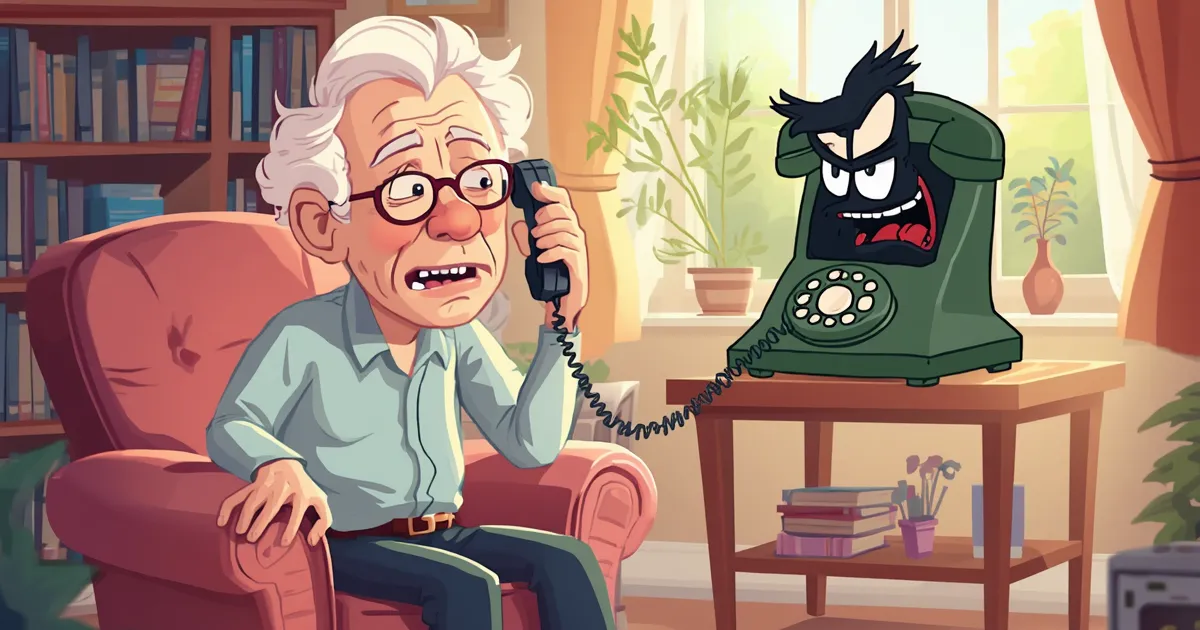
Phone scams for older adults are becoming more convincing, more personal, and much harder to spot.
It is no longer just obvious emails from strangers or badly written messages full of spelling mistakes. Many scams now look professional, sound believable, and are designed to make people panic before they have time to think.
Why Phone Scams for Older Adults Are So Convincing
Scammers often target older adults because they may be more trusting, less familiar with newer digital tricks, or more likely to answer calls from unknown numbers. But it is important to say this clearly: falling for a scam does not mean someone is foolish, careless, or “bad with technology”.
These scams are carefully designed to create fear, urgency and confusion.
At Lady Techy, I help people across Reading and Berkshire feel safer and more confident with technology. So, in this guide, I’m sharing five common phone and message scams to watch out for – and what to do if you or someone you love receives one.
1. The “Your Bank Account Has Been Compromised” Scam
This is one of the most frightening scams because it usually starts with urgency.
Someone may phone claiming to be from your bank, fraud team, police, or another official organisation. They might say something like:
“There has been suspicious activity on your account.”
“Your money is at risk.”
“You need to move your money to a safe account.”
“Do not tell anyone, this is part of an investigation.”
The scammer may sound calm, professional and convincing. They may even know some personal details about you.
The important thing to remember
Your bank will never ask you to move your money into a “safe account”.
They also should not ask you to share your PIN, full password, banking codes, or one-time passcodes.
What to do
If you receive a call like this:
- Hang up.
- Do not transfer any money.
- Do not share security codes.
- Contact your bank using the number on the back of your bank card.
- Use a different phone if possible, or wait a few minutes before calling back.
If you feel unsure, it is always better to pause and check.
2. Fake Royal Mail, Evri or Delivery Texts
Delivery scams are very common because so many of us order things online.
You might receive a text saying:
“Your parcel could not be delivered.”
“You need to pay a small redelivery fee.”
“Your package is waiting. Click here to arrange delivery.”
The link may take you to a website that looks very similar to Royal Mail, Evri, DPD or another delivery company.
Often, the scam starts with a tiny payment request, such as £1 or £2.99. That small amount makes it feel harmless – but the real aim is to collect your card details or personal information.
Royal Mail warns about fake delivery messages and provides examples of scam texts on its website.
What to do
- Do not click the link in the message.
- Go directly to the delivery company’s official website instead.
- Check tracking through the official app or website.
- Forward suspicious texts to 7726.
- Delete the message after reporting it.
Most UK mobile providers support the free 7726 reporting service for suspicious texts.
3. The “Hi Mum” or Family Emergency Scam
This one can feel very personal.
You may receive a WhatsApp or text message from an unknown number saying something like:
“Hi Mum, I’ve lost my phone. This is my new number.”
“I’m in trouble and need money urgently.”
“Please don’t call, I can’t talk right now.”
“Can you send money quickly?”
These messages are designed to pull on your emotions. The scammer wants you to worry about your child, grandchild or family member and act before checking.
What to do
Before sending money or changing any contact details:
- Call the person on their old number.
- Ask another family member to check.
- Ask a question only the real person would know.
- Do not send money until you have spoken to them properly.
- Be cautious if they tell you not to call.
A real family member would understand you wanting to check first.
4. Fake Microsoft, Amazon or Tech Support Calls
This scam is very common in the tech support world.
Someone may call claiming to be from Microsoft, Amazon, Apple, BT, TalkTalk or another well-known company. They might say:
“Your computer has a virus.”
“Your Amazon Prime account has been charged.”
“Your internet has been hacked.”
“We need remote access to fix the problem.”
They may ask you to install software so they can “help”. This gives them access to your computer, files, passwords or banking information.
Sometimes this also happens through a scary pop-up on your screen, saying your computer is infected.
The important thing to remember
Legitimate companies do not normally cold-call you out of the blue to fix viruses on your computer.
What to do
- Do not allow remote access.
- Do not install anything they ask you to install.
- Do not log into online banking while they are connected.
- Hang up.
- Shut down the computer if you feel panicked.
- Ask someone trusted to check it before using it again.
If you have already allowed someone access, disconnect from the internet and contact your bank if you entered any financial details.
5. Suspicious Links and QR Code Scams
QR codes are now used everywhere – restaurants, car parks, posters, leaflets, events and payment pages.
Most QR codes are perfectly safe. But scammers can place fake QR code stickers over real ones, especially in public places.
A fake QR code may take you to a website that looks genuine but is designed to steal your card details or login information.
The same applies to suspicious links in texts, emails and social media messages.
What to do
Before scanning or clicking:
- Check whether the QR code looks like a sticker placed over another one.
- Be careful with payment pages.
- Look for spelling mistakes or strange website addresses.
- Do not enter card details if something feels rushed or odd.
- Use the official app or website when possible.
If in doubt, stop and check first.
The good news is that phone scams for older adults are easier to spot once you know the warning signs.
Simple Scam Safety Rules to Remember
Here are a few easy rules that can help protect you or someone you love.
Pause before acting
Scammers want you to rush. Taking a few minutes to think can make all the difference.
Never share security codes
Do not give out one-time passcodes, PINs, banking codes or passwords over the phone or by message.
Do not click links in unexpected messages
Go to the official website yourself instead.
Check with someone you trust
If something feels strange, ask a family member, friend, carer or trusted tech support person to look at it.
Report suspicious messages
Suspicious texts can be forwarded to 7726, and suspicious emails can be forwarded to report@phishing.gov.uk.
GOV.UK and the National Cyber Security Centre both advise using these reporting routes.
What If You Have Already Clicked a Link or Shared Details?
First of all, try not to panic.
Scams are designed to catch people off guard. Feeling embarrassed is very normal, but it is important to act quickly.
If you think you may have been scammed:
- Contact your bank immediately if money or card details are involved.
- Change passwords for affected accounts.
- Report suspicious texts to 7726.
- Forward scam emails to report@phishing.gov.uk.
- Report fraud through the official UK reporting routes.
- Ask for help checking your device if someone accessed it remotely.
Citizens Advice also recommends reporting scam texts to 7726 and scam emails to the National Cyber Security Centre.
If you are worried about phone scams for older adults in your family, a calm conversation and a few simple checks can make a big difference.
A Gentle Reminder
Falling for a scam does not mean someone is stupid.
It means the scammer was convincing.
Many people feel embarrassed after receiving a scam message or phone call, but talking about it helps protect others, too. The more we share these warnings calmly and kindly, the harder it becomes for scammers to isolate people.
If you have an older parent, grandparent, neighbour or friend, it may be worth showing them a few examples of common scams before something happens.
A simple conversation today could prevent a lot of stress later.
Need Help Checking Something Suspicious?
If you are in Reading, Berkshire or the surrounding areas and you are unsure whether a message, call, pop-up or email is genuine, Lady Techy can help.
I offer friendly, patient tech support without jargon or judgement.
I can help with:
- Suspicious texts or emails
- Scam pop-ups
- Phone and tablet settings
- Password safety
- Account security
- Wi-Fi and device support
- Helping older adults feel more confident with technology
You do not have to figure it out alone.
Book a free 15-minute chat today!