How to Make Text Bigger on ANY Device (Without Breaking Everything)
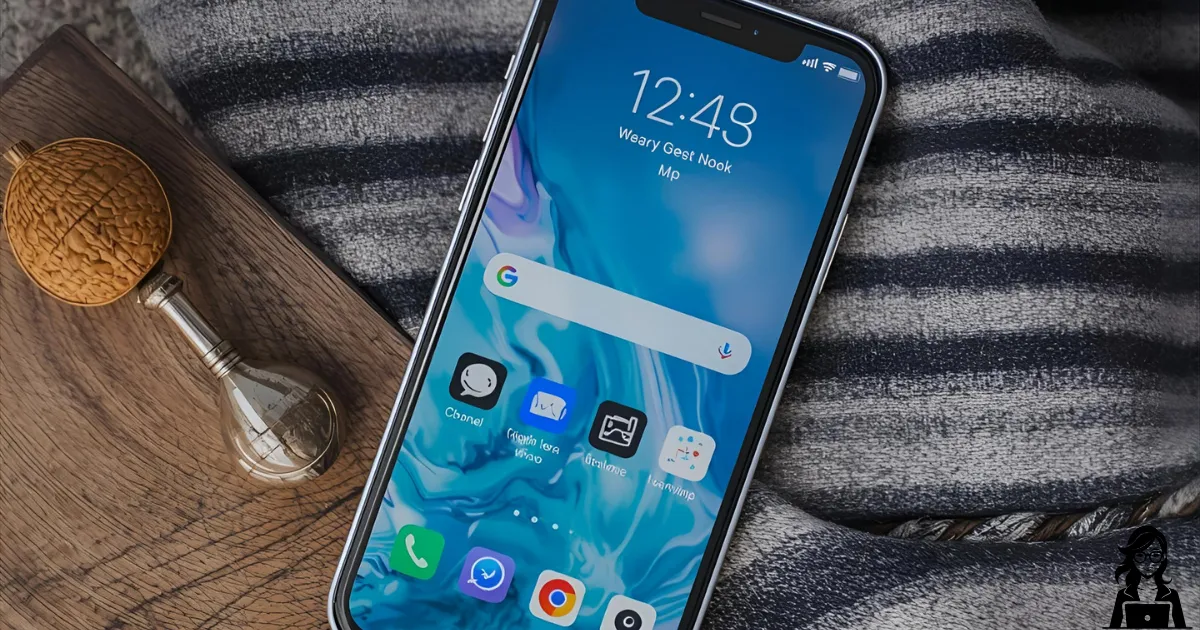
I can always tell when a grandchild has visited: suddenly the text is tiny or enormous!
Here are the three buttons you need to know:
**iPhone/iPad** Settings → Display & Brightness → Text Size → drag the slider
**Android phone/tablet** Settings → Display → Font size (or Display size) → move the slider
**Windows laptop** Right-click desktop → Display settings → Scale → try 125% or 150%
Bonus: on iPhone you can triple-click the side button to toggle a temporary zoom if you’re stuck in a tiny menu.
I keep a little cheat-sheet magnet on my fridge with these steps. Works every time.
Need help applying this comfortably? Visit Accessibility Tech Support or Phone and Tablet Setup.